
How to create a video... in under 5 minutes
How to create a video... in under 5 minutes
Apr 26, 2026
How to Create a Video in Under 5 Minutes: Fast Beginner Guide
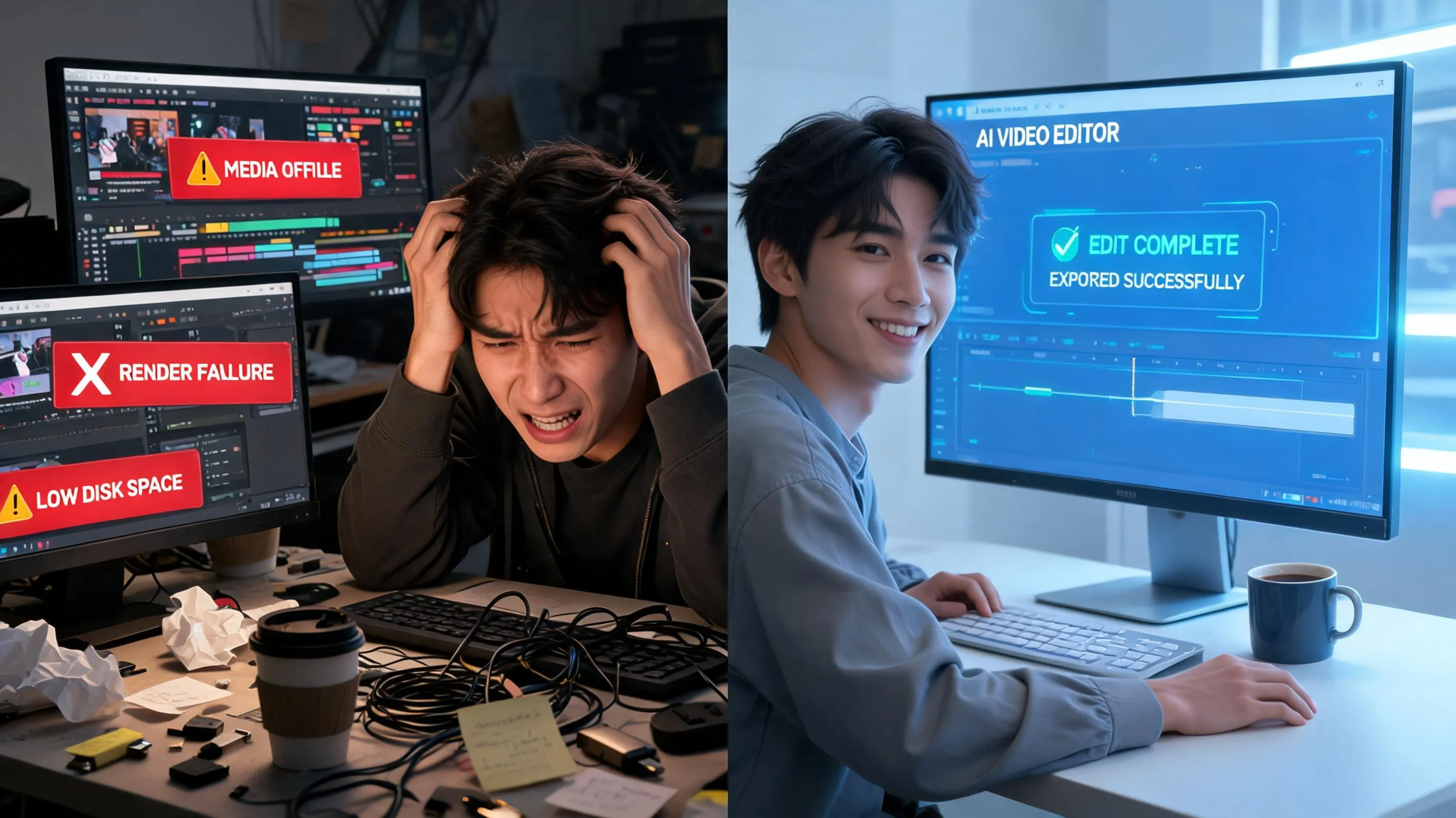
Creating a video in under five minutes sounds almost unrealistic at first, especially if you’ve ever spent hours editing clips, fixing audio, or trying to make transitions look smooth. But the truth is, modern tools and workflows have completely changed the game. What once required professional editing software and technical skills can now be done with drag-and-drop editors, AI-powered platforms, and ready-made templates that practically do the heavy lifting for you.
The real secret isn’t speed alone—it’s structure. When you understand exactly what steps matter and which ones can be simplified or automated, video creation becomes less like a complicated production process and more like assembling a quick puzzle. Think of it like making instant coffee instead of brewing beans from scratch. The result can still look professional, but the process is dramatically faster.
This guide is designed for creators, marketers, students, and anyone who needs content quickly without sacrificing quality. Whether you're making a short social media clip, a promotional video, or a simple explainer, the same core principles apply. Once you learn how to streamline your workflow, creating a polished video in five minutes becomes not just possible—but repeatable.
We’ll walk through every step, from preparation to export, in a way that focuses on speed, clarity, and simplicity. No unnecessary complexity, no overwhelming jargon—just practical steps you can actually use. And by the end, you’ll understand how professionals consistently produce content at high speed without burning out or over-editing every frame.
Why Quick Video Creation Matters in Today’s Digital World
Video has become the dominant form of content across almost every platform, from Instagram Reels and TikTok to YouTube Shorts and business ads. Attention spans are shorter than ever, and the demand for fast, consistent content is growing daily. That’s why the ability to create a video quickly is no longer just a nice skill—it’s a competitive advantage.
When you can produce videos in minutes instead of hours, you unlock consistency. And consistency is what drives visibility, engagement, and growth online. Platforms reward creators who post regularly, not those who occasionally post highly polished but infrequent content. Speed allows you to stay relevant in fast-moving trends, where timing often matters more than perfection.
There’s also a psychological advantage. Many people delay video creation because they assume it’s too time-consuming. This mental barrier stops ideas from ever becoming content. But once you realize that a basic, effective video can be built in under five minutes, the barrier disappears. You start creating more freely, testing more ideas, and learning faster from real feedback.
Another important factor is adaptability. Businesses and creators often need to respond quickly to trends, news, or audience behavior. If your workflow takes hours, you miss the moment. But if you can create a video in minutes, you can react instantly and stay ahead of the curve.
Speed doesn’t mean low quality—it means efficient quality. The goal is not to produce cinematic masterpieces every time, but to deliver clear, engaging, and useful content consistently. And once you master fast creation, you can always refine later if needed.
Preparation Essentials Before You Start

Before you even open a video editing app, the real speed advantage comes from preparation. Most people assume fast video creation is about editing quickly, but in reality, it’s about removing friction before editing even begins. If you’ve ever felt stuck staring at a blank timeline, that’s usually not an editing problem—it’s a preparation problem. When your assets, ideas, and tools are already aligned, the actual creation process becomes almost mechanical, like assembling pre-cut pieces instead of carving everything from scratch.
Think of this stage like cooking. A chef doesn’t start cooking and then go looking for ingredients mid-process. Everything is chopped, measured, and ready before the heat is turned on. Video creation works the same way. The more organized your preparation is, the closer you get to that “under 5 minutes” goal.
Preparation also reduces decision fatigue. When everything is already chosen—your format, your script direction, your visuals—you don’t waste time second-guessing yourself. That mental clarity is what allows you to move fast without feeling rushed. In fact, experienced creators often spend more time preparing than editing because they know it saves massive time later.
At this stage, you are not trying to be perfect. You are trying to be ready. That distinction is what separates slow creators from fast ones.

Gathering the Right Tools and Apps
The first step in preparation is choosing the right tools, because your software will either speed you up or slow you down. If your goal is to create a video in under five minutes, you cannot rely on overly complex editing programs that require long rendering times or complicated timelines. Instead, you want tools that are designed for speed, templates, and automation.
Modern platforms like CapCut, Canva, InVideo, or even AI video generators are built specifically for this kind of rapid creation. They come with pre-built templates, drag-and-drop interfaces, and automatic formatting for platforms like TikTok, Instagram Reels, or YouTube Shorts. The biggest advantage here is that you are not building from scratch—you are customizing something that already works.
Another important aspect is accessibility. If a tool takes too long to load, requires heavy installation, or has a steep learning curve, it automatically becomes unsuitable for fast creation. The best tools for 5-minute videos are the ones you can open, use immediately, and export without confusion. Mobile apps are especially powerful here because they eliminate the need for complex desktop workflows.
You also want to make sure your tools support features like auto-captions, stock media libraries, and one-click exports. These small features collectively remove dozens of micro-steps that would otherwise slow you down. The goal is not just editing—it’s minimizing interaction time between idea and final output.
Ultimately, your toolset should feel like a shortcut machine, not a workstation. If it makes things faster, it belongs in your workflow. If it slows you down, it doesn’t matter how “advanced” it is—it’s working against your goal.
Collecting Media Assets (Images, Clips, Audio)
Once your tools are ready, the next critical step is gathering your media assets. This includes everything you might need in your video: images, video clips, background music, sound effects, and even text snippets. The mistake most beginners make is searching for assets while editing, which completely breaks the flow and wastes time. If you want speed, everything must be pre-collected and ready to use.
A smart approach is to build a small personal library of reusable assets. For example, you might keep folders labeled “background music,” “stock clips,” or “intro visuals.” When you need to create a video quickly, you’re not searching the internet—you’re simply selecting from your own curated collection. This alone can save several minutes per project, which is huge when your target is under five minutes.
Stock media platforms like Pexels, Pixabay, or built-in libraries inside editing apps are extremely useful for this stage. They allow you to instantly grab professional-looking visuals without filming anything yourself. For audio, royalty-free music libraries or app-integrated soundtracks can instantly elevate your video without additional editing effort.
The key mindset here is reuse and simplicity. You don’t need new assets for every video. In fact, repetition is not a weakness in fast content creation—it’s a strength. Many successful creators reuse backgrounds, transitions, and music because it builds consistency and dramatically reduces production time.
When your assets are ready before editing begins, the entire video creation process becomes a matter of selection rather than creation. And selection is always faster than building from scratch. That is what makes five-minute video production realistically achievable.
H2 3: Choosing the Right Type of Video
Choosing the type of video might seem like a creative decision, but when speed is the priority, it becomes a structural decision. Different video formats require different levels of effort, complexity, and editing time. If your goal is to finish in under five minutes, you cannot afford to choose a format that demands heavy storytelling, multiple scenes, or advanced transitions.
The simplest way to think about this step is to match your idea to a “fast format.” Some video types are naturally quicker to produce because they rely more on text, templates, or single-shot visuals rather than complex storytelling. For example, list-style videos, quick tips, motivational quotes, or simple product showcases are far easier to create than cinematic storytelling videos.
Another important factor is platform alignment. A video meant for TikTok or Instagram Reels is usually shorter, faster-paced, and template-friendly. On the other hand, YouTube long-form content often requires more planning and editing. If speed is your goal, short-form content is your best friend.
Choosing the right format also prevents overthinking. Many creators waste time trying to turn a simple idea into something overly complicated. But when you commit early to a simple format, you eliminate unnecessary creative expansion. You are no longer asking “how do I make this impressive?”—you are asking “how do I make this clear and fast?”
Speed starts with limitation. The more focused your video type is, the faster everything else becomes.
Explainer, Social Media, or Promotional Videos
When narrowing down your video type, three formats stand out as the fastest to produce: explainer videos, social media clips, and promotional videos. Each of these can be built quickly because they rely heavily on templates and structured messaging rather than complex production.
Explainer videos are perfect when you want to communicate a single idea clearly. They usually follow a simple structure: problem, explanation, solution. Because of this predictable format, you can often plug content into templates and generate a finished video in minutes. There’s no need for cinematic storytelling or multiple scenes.
Social media videos are even faster. These are typically short, punchy, and visually driven. They often rely on text overlays, trending audio, and quick transitions. The beauty of this format is that perfection is not required—speed and engagement matter more. That makes them ideal for rapid creation workflows.
Promotional videos sit somewhere in between. They usually highlight a product, service, or offer, but they can still be created quickly using pre-designed templates. Most video editing apps already include promotional layouts where you simply replace text, images, and logos.
The key insight here is that these formats are built for speed by design. If you try to force a complex narrative into a fast workflow, you will struggle. But if you choose a format that naturally supports speed, the entire process becomes smoother, lighter, and far more efficient.
Writing a Script in Under 2 Minutes
A script doesn’t need to feel like a movie screenplay to work in a fast video workflow. In fact, the more complex your script becomes, the more it slows everything down. When your goal is to create a video in under five minutes, the script should act more like a skeleton than a full narrative. It’s simply there to guide your visuals and keep your message focused.
The fastest way to write a script is to think in three simple parts: what you’re showing, what you’re saying, and what the viewer should feel or do next. That’s it. You don’t need fancy language or perfect grammar. You need clarity. If you can explain your idea to a friend in 20 seconds, you already have a script ready to go.
Many experienced creators actually use a “spoken script” approach. They don’t write full paragraphs—they jot down bullet points or even voice-record their idea and convert it into captions later. This saves a massive amount of time and keeps the tone natural. Overwriting is one of the biggest enemies of speed because it creates unnecessary editing decisions later.
A simple trick is to use a fill-in-the-blank structure: “Here’s the problem… here’s what you need to know… here’s the result.” This structure works for almost any type of video, whether it’s educational, promotional, or entertaining. Once you get used to it, you can draft a script in under two minutes without overthinking.
Speed comes from restriction, not creativity overload. The simpler your script, the faster your video comes together.
Picking the Best Template or Tool
If there is one decision that determines whether you finish in five minutes or fifty, it is your choice of template or tool. Templates are essentially pre-built video frameworks that already contain transitions, animations, timing, and sometimes even music. Instead of building every element from scratch, you simply replace placeholders with your own content. This is the closest thing to “instant video creation” available today.
The biggest advantage of templates is consistency. Everything is already aligned, timed, and visually balanced. That means you are no longer spending time adjusting fonts, syncing audio, or figuring out transitions. You are simply plugging in content and exporting. This eliminates dozens of micro-decisions that normally slow down editing.
Choosing the right template also reduces creative fatigue. When you are presented with a blank timeline, your brain has to make hundreds of decisions. But when you start with a template, most of those decisions are already made for you. This allows you to focus only on message and media, which dramatically increases speed.
The key is to choose templates that match your video type. A social media template should be short, fast-paced, and visually engaging. A promotional template should emphasize product visuals and call-to-action elements. Matching structure to purpose ensures you don’t waste time adjusting layouts later.
Templates are not shortcuts in quality—they are shortcuts in process. And in fast video creation, process efficiency is everything.
Beginner-Friendly Video Creation Platforms
Not all tools are built for speed, and beginners often waste time using overly complex software. Beginner-friendly platforms like Canva, CapCut, InVideo, and VEED.io are designed specifically to remove friction from the video creation process. These tools focus on simplicity, automation, and pre-built structures that allow even first-time users to create videos quickly.
The biggest advantage of these platforms is their intuitive interface. You don’t need to understand advanced editing timelines or professional-grade effects. Everything is drag-and-drop. You select a template, replace text or media, and the system handles the rest. This dramatically reduces learning time, which is essential if your goal is speed.
Another powerful feature is built-in automation. Many of these tools offer auto-resizing for different platforms, auto-caption generation, and even AI-assisted editing suggestions. These features eliminate repetitive tasks that normally take up a lot of time. Instead of manually adjusting every element, you can rely on automation to handle formatting.
Stock media integration is another major benefit. Instead of searching for images or clips externally, you can access massive libraries directly within the tool. This means fewer interruptions and faster workflow continuity.
The real value of beginner-friendly platforms is that they remove technical barriers. When the tool is not fighting you, you can focus entirely on content creation, which is the fastest path to finishing a video in under five minutes.
Why Templates Save Massive Time
Templates are often underestimated because they look “too simple,” but in reality, they are one of the most powerful time-saving tools in video creation. A well-designed template eliminates the need for layout design, animation timing, and visual alignment. These are usually the most time-consuming parts of editing, especially for beginners.
When you use a template, you are essentially working inside a pre-built system where everything is already optimized. Text appears at the right time, transitions are already smooth, and audio is pre-synced. This removes guesswork and allows you to focus only on content input rather than structural design.
Another overlooked benefit is consistency across videos. If you are creating multiple videos quickly, templates ensure that all of them follow the same visual style. This not only saves time but also strengthens your branding without extra effort. You don’t have to redesign every video from scratch to maintain quality.
Templates also reduce decision fatigue. Every creative decision—font, animation style, transition speed—has already been made. That means your brain is freed up to focus on messaging rather than design details. This is especially important when working under time pressure.
In fast video creation, templates are not optional—they are essential. Without them, the five-minute goal becomes unrealistic. With them, it becomes a repeatable workflow.
Recording or Generating Visuals Quickly
Once your script and template are ready, the next step is visual creation, and this is where speed can either be maintained or completely lost. Traditional video production often involves filming, reshooting, and editing raw footage, which is time-consuming. But in a fast workflow, the goal is to avoid unnecessary production steps and focus on instantly usable visuals.
There are two main approaches here: recording your own footage or using pre-made/generated visuals. Both can work, but speed depends heavily on how efficiently you execute them. If you are recording, keep it simple—one take, natural lighting, no perfectionism. If you are using stock or AI-generated visuals, the goal is selection, not creation.
The modern advantage is that you no longer need to “produce” visuals in the traditional sense. You can generate or source high-quality clips in seconds. This shifts the entire workflow from production-heavy to selection-heavy, which is significantly faster.
The key mindset is this: visuals should support your message, not slow down your process. If something takes more than a minute to obtain, it’s probably not suitable for a five-minute video workflow.
Using Stock Media vs. Original Footage
When speed is the priority, stock media often becomes the fastest and most efficient option. Platforms like Pexels, Pixabay, and built-in app libraries allow you to instantly access high-quality visuals without filming anything yourself. This eliminates setup time, lighting issues, and retakes, which are usually the biggest time drains in video production.
Stock media is especially useful for generic concepts like business, lifestyle, technology, or education. Instead of filming your own office scene or product demo, you can simply search and insert a ready-made clip. This reduces production time from hours to seconds.
Original footage, on the other hand, gives more authenticity but requires more effort. Even a simple recording involves setup, framing, and sometimes multiple takes. While it can be valuable for branding or personal content, it is not always practical when your goal is under five minutes.
A smart hybrid approach is often best. You might record a quick talking clip for personalization and then supplement it with stock visuals for support. This balances authenticity with speed.
Ultimately, the fastest workflow is the one where visuals are already available before editing begins. The less time you spend “making” visuals, the faster your video is completed.
Adding a Fast Voiceover
Voiceover is often where people unexpectedly lose time. Many assume they need perfect audio quality, multiple takes, and professional recording setups. But in a five-minute video workflow, the voiceover should be quick, clear, and functional—not studio-perfect.
The fastest approach is to record in a single take using your phone or built-in microphone. You don’t need to overthink tone or delivery. What matters most is clarity and timing. If your script is simple, your voiceover will naturally be simple as well.
Another fast option is using AI voice generation tools. These tools can instantly convert text into natural-sounding speech, eliminating recording time entirely. While they may lack emotional nuance, they are extremely efficient for explainer or informational videos.
The key is to avoid perfectionism. Re-recording multiple times is one of the biggest time killers. In fast video creation, “good enough” audio is far more valuable than “perfect but slow” audio.
When your voiceover is completed quickly, the rest of the video assembly becomes significantly smoother and faster.
Editing Your Video in 60 Seconds
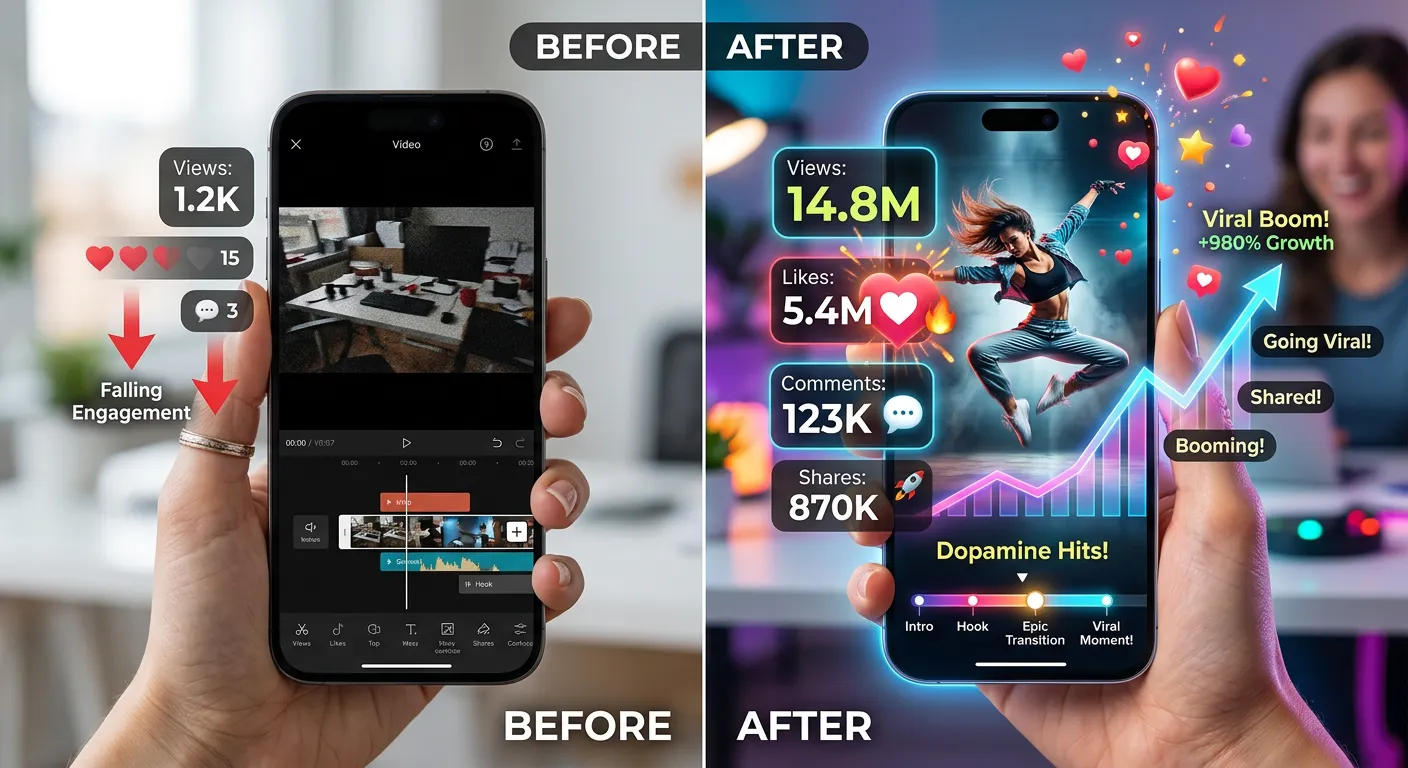
Editing is often seen as the most time-consuming part of video creation, but in a fast workflow, editing is simply assembly. You are not crafting a masterpiece—you are arranging pre-prepared elements into a coherent sequence. If your script, visuals, and audio are ready, editing becomes surprisingly fast.
The key principle here is minimal adjustment. You are not trying to fine-tune every frame. You are aligning clips, trimming excess parts, and ensuring the message flows logically. That’s it. The more you resist unnecessary tweaking, the faster your output becomes.
Modern tools also help dramatically. With drag-and-drop timelines, auto-sync features, and pre-built transitions, editing time is reduced to basic organization. Instead of building effects manually, you are simply applying them.
The mindset shift is crucial: editing is not where creativity happens—it is where structure is finalized. Once you accept that, the entire process speeds up naturally.
Cutting, Trimming, and Arranging Clips
Cutting and trimming are the core actions in fast editing, and they should be done with purpose, not hesitation. The goal is to remove anything that does not directly support the message. Extra pauses, repeated phrases, or irrelevant visuals should be eliminated immediately.
Arranging clips is equally simple when your assets are prepared. You are essentially placing items in the same order as your script. There is no need for experimentation or multiple versions. The structure should already be defined before editing begins.
A useful technique is the “first-pass edit.” This means you go through your timeline once, make quick cuts, and move on without revisiting decisions. Over-editing is what slows most creators down.
Speed editing is about decisiveness. The faster you make decisions, the faster your video is complete.
Adding Background Music Efficiently
Background music can completely change the feel of a video, but it can also become a hidden time trap if you let it. People often spend too long browsing tracks, previewing endless options, and trying to find the “perfect” sound. In a five-minute video workflow, that kind of selection paralysis is not sustainable. The goal is not perfection—it’s instant enhancement.
The fastest approach is to treat music as a default layer rather than a creative decision. Most video editing apps already provide built-in royalty-free tracks sorted by mood: upbeat, cinematic, calm, energetic, and so on. Instead of searching externally, you simply pick a category that matches your video tone and move on. This alone can save several minutes per project.
Another efficient strategy is reuse. If you find a background track that works well for your style, reuse it across multiple videos. This not only speeds up editing but also creates a consistent brand identity. Familiar audio helps audiences recognize your content instantly, even before they see your visuals.
Volume balancing is another area where people overcomplicate things. In fast creation, you don’t need advanced audio mixing. You simply lower the music so it supports, not overwhelms, the voiceover. Most tools even have “auto-ducking” features that handle this automatically.
Music should feel like seasoning, not the main ingredient. If it takes more than a minute to choose, it’s already slowing down your workflow.
Adding Captions and Text Overlays
Captions and text overlays are not just decorative—they are essential for engagement, especially on social media platforms where many users watch videos without sound. But if done manually, they can easily slow down your entire workflow. The trick is to automate as much as possible while keeping clarity and readability intact.
Modern video tools now offer auto-captioning features that transcribe spoken audio into text instantly. This removes the need to type everything manually, which is one of the biggest time drains in editing. Instead of pausing and typing line by line, you generate captions in seconds and simply make small corrections if needed.
Text overlays serve a different purpose—they highlight key ideas, emphasize messages, or guide viewer attention. In a fast workflow, these should be minimal and strategic. You don’t need fancy animations or complex typography. Simple bold text in the right place is often more effective than over-designed effects.
The key is restraint. Too many overlays can slow down editing and clutter the video visually. A clean, simple approach is always faster and often more impactful.
Auto-Captions vs Manual Captions
Auto-captions are one of the biggest time-saving innovations in modern video editing. Instead of manually typing every word spoken in your video, the software listens to your audio and generates text automatically. This can reduce captioning time from several minutes to just a few seconds.
The main advantage is speed, but there’s also consistency. Auto-caption tools usually align text with timestamps automatically, meaning you don’t have to adjust timing manually. This is especially useful for short-form videos where pacing is critical.
Manual captions, on the other hand, offer more control but are significantly slower. You might choose them for highly branded content or when precision is absolutely necessary. However, in a five-minute workflow, manual captioning is usually too time-consuming to justify.
The smart approach is hybrid: use auto-captions as a base, then quickly correct obvious errors. This gives you both speed and accuracy without slowing down production.
In fast video creation, automation is not optional—it’s essential.
Styling Text for Engagement
Styling text does not need to be complex to be effective. In fact, over-styling is one of the biggest mistakes in fast video creation because it eats up time and often reduces readability. The goal is clarity first, aesthetics second.
Simple, bold fonts with high contrast are usually enough to capture attention. You don’t need elaborate animations or multiple font changes throughout the video. Consistency is faster and more visually stable.
Another useful approach is using templates for text styles. Many editing tools allow you to save text presets, meaning you can apply the same style across multiple videos instantly. This removes the need to redesign text every time.
Animation should also be minimal. A simple fade-in or slide-in effect is usually sufficient. The more complex the animation, the more time it takes to adjust and sync properly.
In fast workflows, text is not decoration—it is communication. If it communicates clearly, it has done its job.
Export Settings for Fast Rendering
Exporting is often the final bottleneck in video creation. You might finish editing quickly, only to get stuck waiting for long rendering times because of incorrect settings. To stay within a five-minute workflow, export settings must be optimized for speed from the beginning.
The simplest way to speed up exporting is to choose standard presets. Most platforms already offer optimized settings for TikTok, Instagram, YouTube Shorts, and other platforms. These presets are designed to balance quality and file size without requiring manual adjustments.
Resolution also matters. While 4K may sound appealing, it significantly increases export time. For most social media content, 1080p is more than sufficient and much faster to process. Choosing efficiency over excess quality is key in rapid workflows.
Another important factor is file format. MP4 is widely supported and typically renders faster than more complex formats. Sticking to standard formats avoids compatibility issues and reduces processing time.
The mindset here is simple: export should be predictable. If your settings are consistent, your rendering time becomes consistent too.
Optimization for Different Platforms
Not all platforms treat video the same way, and optimizing for each one can either speed up or slow down your workflow depending on your approach. The key to fast video creation is not customizing every video from scratch but using adaptable formats that work across multiple platforms.
Short-form platforms like TikTok, Instagram Reels, and YouTube Shorts favor vertical videos with fast pacing and short duration. If you design your video in this format from the start, you avoid the need for later resizing or re-editing.
Most modern tools include auto-resize features that instantly convert one video into multiple formats. This is a huge time-saver because it eliminates the need to manually adjust layouts for each platform.
The goal is to think in templates that are platform-agnostic. If your video structure is simple and flexible, it can be reused everywhere with minimal adjustments.
Speed comes from adaptability, not customization overload.
Common Mistakes to Avoid
One of the biggest mistakes in fast video creation is over-editing. People often try to perfect every frame, every transition, and every sound effect. This mindset completely defeats the purpose of a five-minute workflow. The goal is not perfection—it is completion.
Another common mistake is starting without preparation. Jumping directly into editing without assets, script, or structure leads to constant interruptions. Every pause adds time, and those small delays quickly accumulate.
Choosing overly complex tools is another slowdown factor. Professional software may offer more features, but it also requires more time to operate. Simplicity is always faster.
Avoiding these mistakes is just as important as following the correct steps.
Time-Saving Tips for Faster Workflow
Speed in video creation is not about working harder—it’s about removing unnecessary steps. One of the most effective tips is batching similar tasks. For example, gather all assets first, then script all ideas, then edit all videos. This reduces mental switching time.
Another tip is reusing templates and assets. The more reusable your workflow becomes, the faster each new video will be.
Keyboard shortcuts, preset settings, and automation features also contribute significantly to speed. Small efficiencies add up over time.
The ultimate goal is to build a repeatable system, not a one-time process.
AI Tools That Speed Up Video Creation
AI tools have dramatically changed how quickly videos can be created. From script generation to automatic editing, AI reduces manual effort at almost every stage.
Tools can now generate entire video drafts from text prompts, including visuals, voiceovers, and captions.
This means that instead of building a video step-by-step, you can generate a starting point and refine it in seconds. AI doesn’t replace creativity—it accelerates execution.
The key is using AI as an assistant, not a crutch. The more structured your input, the better your output.
Mobile vs Desktop Video Creation Workflow
Mobile editing is often faster for short videos because everything is streamlined. Apps are designed for quick actions, not deep customization. Desktop editing, while more powerful, usually takes longer due to complexity.
For a five-minute workflow, mobile tools are often more efficient. They eliminate setup time and reduce distractions.
However, desktop tools still have value for batch editing or more advanced projects.
Real-World Example of a 5-Minute Video
A typical fast video workflow might look like this: choose a template (30 seconds), write a script (2 minutes), insert stock clips (1 minute), add auto-captions and music (1 minute), and export (processing time).
This structure shows that the actual creative work is minimal when systems are in place. Most of the time is spent selecting rather than building.
Once practiced, this process becomes even faster.
Troubleshooting Common Issues
Common issues include slow exports, missing assets, or audio sync problems. Most of these can be avoided by using presets, pre-collected media, and auto-sync tools.
If something breaks the workflow, the fastest solution is usually restarting with a template rather than fixing everything manually.
Pro Tips to Create Even Faster Videos
Experienced creators rely on systems, not improvisation. They reuse scripts, templates, and audio across multiple videos. They also avoid unnecessary customization.
The fastest creators are not the most skilled—they are the most systemized.
Conclusion and FAQs
Creating a video in under five minutes is not about rushing—it’s about removing friction. When your tools, templates, and workflow are optimized, speed becomes a natural outcome rather than a forced effort.
FAQs
1. Can beginners really make videos in 5 minutes?
Yes, with templates and simple tools, beginners can create basic videos quickly.
2. Do I need professional software?
No, beginner-friendly apps are often faster and more efficient.
3. Is AI necessary for fast video creation?
Not required, but it significantly speeds up the process.
4. What type of videos are easiest to make quickly?
Short-form social media videos and simple explainers.
5. Can quality still be good with fast creation?
Yes, if you use structured workflows and templates.
"🔍 Want to find the best keywords and rank this article faster? Try the #1 SEO & AI visibility toolkit free for 14 Days
. Track your keyword rankings, audit your site, and monitor your AI search visibility on ChatGPT, Gemini & Google AI Overviews
👉 Try Pro Article Writer (Free)
— Generate, Edit, and Humanize at scale.
⭐ If this GPT helped you, please leave a rating on the GPT Store!
Explore more on my Patreon."
Read also:
⭐ How to create a video... in under 5 minutes
⭐ Start blogging with us: A Beginner-Guide Path
⭐ 10 Best Free Blogging Sites to Start Your Writing Journey in 2026
⭐
⭐
⭐
⭐